// what's new · v1.105.0
Hide the Subscriptions card on your Overview
A workspace admin can turn the Overview's Subscriptions card off from Settings, so a brand that doesn't sell subscriptions isn't shown an empty one.
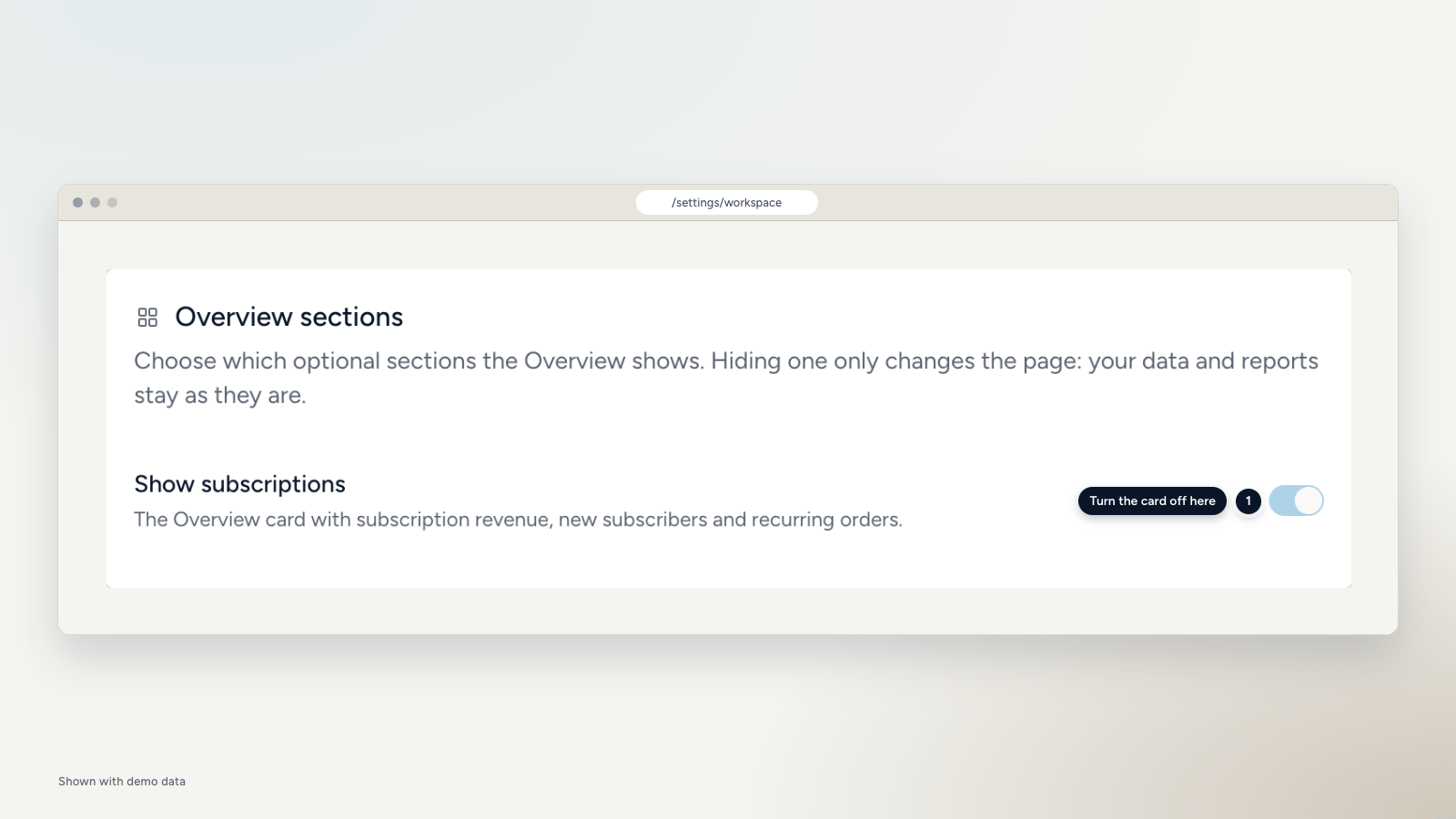
If you don't sell subscriptions, the Overview used to show a large "No subscription orders yet" card anyway. Now an admin can switch it off.
Where to find it
Open Settings, then Workspace. The Overview sections card has a Show subscriptions switch. It is a workspace setting, so everyone on the team sees the same Overview. Only admins can change it.
What the default is
Until someone makes a choice, the card follows your workspace: it shows when you have subscription orders, and stays off when you don't. Once an admin sets the switch, that choice stays, even if subscription orders show up later.
Hiding the card only changes the page. Your subscription data and your reports stay as they are.