// guide
Connect any MCP client or AI agent to Keel HQ
Connect a custom agent or any MCP-capable tool to Keel HQ's read-only MCP server with a bearer token: one POST endpoint, seven read tools, freshness on every result.

David LindahlFounder of Keel HQ, and runs a DTC brand on it
Published Last verified
- Access
- Read-only MCP, bearer token
- Transport
- POST, Streamable HTTP, JSON
- Rate limit
- 120 requests a minute per token
// the steps
- 01Create a read token. In Settings, then MCP & API tokens, create a token under AI assistants (MCP). Copy it once.
- 02Point your client at the endpoint. POST JSON-RPC to the Keel HQ URL ending in /api/mcp, with Authorization: Bearer and your token.
- 03List the tools. Send a tools/list request. You should get the seven tool names back.
- 04Call a tool. Call get_overview or get_inventory_product and read the data_freshness block first.
// tl;dr
Any MCP-capable client or custom agent can read Keel HQ through one endpoint, POST /api/mcp, using Streamable HTTP in stateless JSON mode and an Authorization: Bearer token. Seven read-only tools return inventory, cash, ad spend and published reports, each with a freshness block. Keel HQ has tested Claude, ChatGPT and Cursor; anything else is yours to try.
If you build your own agent, or use a tool that speaks the Model Context Protocol and isn't one of the named clients, this is the page. Keel HQ exposes one HTTP endpoint and a bearer token, and what comes back is the same data the named clients get.
What your agent can read
Keel HQ serves a read-only Model Context Protocol server. These are the tools it exposes:
| Tool | What it returns |
|---|---|
get_overview | Month-to-date vitals, alerts, trends, inventory health and recent activity. |
get_cash_dashboard | Cash balances, debts, upcoming bills, expected income, runway and cash alerts. |
list_inventory_products | The first limit active products (default 50, up to 200), ordered by product id. It doesn't paginate: a larger catalog is truncated, and pagination.truncated and pagination.total say so. |
get_inventory_product | One SKU: catalog fields, days of cover on a 90-day pace, and every product carrying that SKU. |
get_ads_spend | Meta campaign spend by calendar month, for up to 12 months. Refreshed when a monthly report is generated, not by the daily Meta pull. |
get_monthly_report | A published monthly report as JSON, with notes on data quality. |
get_brand_settings | Brand profile and alert thresholds. No secrets. |
Two resources come with it: eos://docs/metric-calculations, which defines how each figure is calculated, and eos://reports/monthly/{year}-{month}, a published report as markdown.
These tools read your Shopify orders and products, Meta Ads campaign spend, Mercury balances and published monthly reports, all from what Keel HQ has already synced. There is no tool for Klaviyo or Google Ads data on its own.
Questions it can answer
"How many days of cover does one of my SKUs have, and which products share that SKU across my stores?"
"What's my cash runway, and which bills are coming up?"
"Show Meta spend by campaign for the last three months. Was any month only partly synced?"
"Summarize last month's published report, and tell me which figures were withheld and why."
"Is everything you just told me current? Check the data freshness."
The questions that pay off are the ones across sources: inventory against cash, spend against revenue. Keel HQ has already joined them, and your assistant just reads the result.
Connect your agent
- 01Create a token
In Keel HQ, open Settings → MCP & API tokens, and find AI assistants (MCP). Click to create a token for your agent. It carries the read scope and expires in 90 days by default. It's shown once, so copy it before you leave the page.
- 02Call the endpoint
Send JSON-RPC over
POSTto the Keel HQ URL ending in/api/mcp, withAuthorization: Bearer eos_…. With your token inKEEL_TOKEN, list the tools:curl -X POST https://app.keelhq.io/api/mcp \ -H "Authorization: Bearer $KEEL_TOKEN" \ -H "Content-Type: application/json" \ -H "Accept: application/json, text/event-stream" \ -d '{"jsonrpc":"2.0","id":1,"method":"tools/list"}'The server is stateless: there is no session to open or close.
- 03Test the connection
Back in Settings → MCP & API tokens, Test connection runs the same
tools/listcall an assistant makes and shows the tool names it got back. Then ask a question.
Tokens, scopes and revoking
Scope. MCP needs a token with the
readscope. A token without it gets a 403, and a missing or revoked one gets a 401.Expiry. 30, 90 or 365 days when you create it; 90 by default.
Revoking. Revoke the token in Settings → MCP & API tokens. The assistant loses access immediately.
Rate limit. 120 requests a minute per token.
Your organization comes from the token, never from the request, so an assistant can only see the workspace the token was created in.
Known limits
Read-only, by design. your agent can't update products, record costs or send anything.
Data is as fresh as the last sync. Shopify orders sync every six hours, so a very recent sale may not be there, and each result says so in
data_freshness.Ad spend is by calendar month and limited to a 12-month range. There is no daily breakdown.
Only Claude, ChatGPT and Cursor have been tested. Other clients may work, and aren't supported by name.
Keel HQ is in private beta, with a waitlist.
Questions
- Which clients has Keel HQ tested?
- Claude Desktop, Claude Code, ChatGPT and Cursor, which have their own pages and settings snippets. Any other client that speaks MCP over HTTP with a bearer header should work, but we haven't tested it and don't list it by name.
- Does it support SSE or batches?
- No. Only POST is served, so GET and DELETE answer 405 and a client doesn't open an event stream. JSON-RPC batches are rejected. Send one request at a time.
- Can the AI change anything in Keel HQ or Shopify?
- No. Every tool is read-only, and the server only accepts POST requests that read. The AI can't edit a product, a cost, a report or a setting, and it has no route into Shopify.
- Which token does it use, and can I revoke it?
- An API token with the read scope, created in Settings → MCP & API tokens. Revoke it from the same list and the assistant stops working at once. Create a separate token per assistant so revoking one doesn't break the others.
- Is there a rate limit?
- Yes, 120 requests a minute per token. Over that, Keel HQ answers 429 and the assistant waits.
- How do I know the data is current?
- Every tool result starts with a data_freshness block: one entry per synced source it read, with the last sync time and a status of fresh, stale, never_synced or failed. Ask the assistant to mention it when a figure isn't fresh.
- What if a number isn't available?
- You get null with a reason, never 0. A failed query comes back as a tool error, not as empty data.
// how keel hq does this
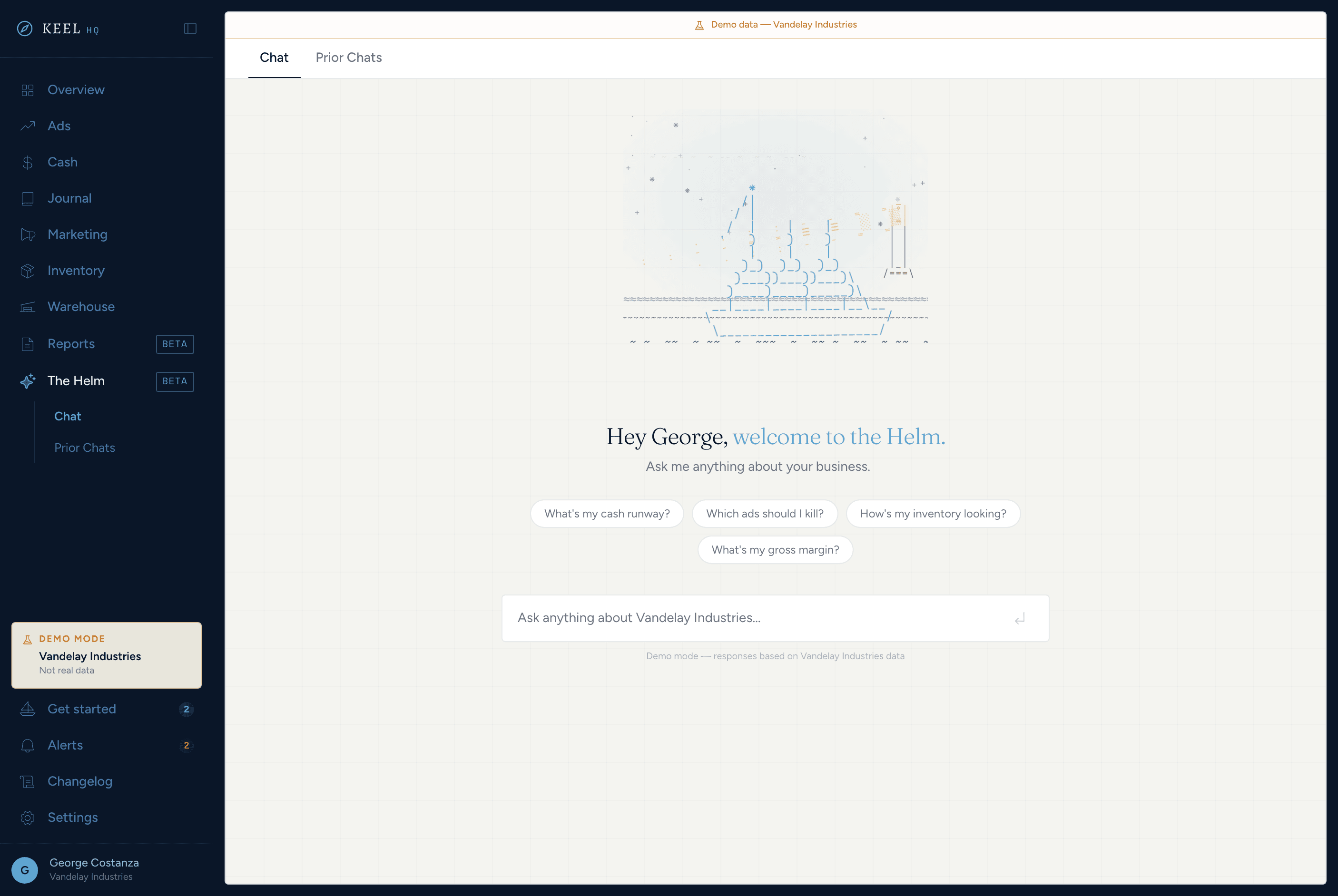
Ask your business questions — here, or from your own AI tools. Built for teams.
A chat that reads your cash, forecast, and inventory data; read-only MCP access for Claude and Cursor; and team roles with module-level access.
See the helm & settings in Keel HQ
// related
- IntegrationsClaude MCP connector for Shopify inventory and cash dataConnect Claude on the web, phone, desktop or Claude Code to Keel HQ's read-only MCP server, then ask about inventory, cash and ad spend in plain English.
- IntegrationsChatGPT connector for Shopify inventory and cash dataConnect ChatGPT to Keel HQ's read-only MCP server as a custom connector with a bearer token. It needs Developer mode and a plan that offers token authentication.
- IntegrationsCursor MCP server for Shopify inventory and cash dataConnect Cursor to Keel HQ's read-only MCP server with a bearer token in mcp.json, then query inventory, cash and ad spend from your editor.
// sources
- Model Context Protocol introduction, modelcontextprotocol.io · accessed