// guide
Klaviyo email performance in Keel HQ for Shopify brands
Connect Klaviyo to Keel HQ with a read-only private API key. Campaign and flow performance, list size and send times sync nightly into the Email tab.

David LindahlFounder of Keel HQ, and runs a DTC brand on it
Published Last verified
- Access
- Private API key; read-only works
- Sync
- Nightly, 04:00 UTC
- Window
- Current and previous month
// the steps
- 01Create a private API key. In Klaviyo, open Settings, then API Keys, and create a private key. A read-only key works.
- 02Paste it into Keel HQ. In Keel HQ, open Settings, then Integrations, find the Klaviyo card and paste the key into Private API Key.
- 03Save and sync. Save the key. The first sync pulls the current and previous month.
- 04Read the Email tab. Open Marketing, then Email, for campaign and flow performance.
// tl;dr
Keel HQ reads Klaviyo with a private API key that can be read-only: campaigns:read, flows:read, lists:read and metrics:read are all it needs. Every night it syncs the current and previous month of campaign and flow performance, plus list size and send times, into the Email tab in Marketing. It never sends or edits anything in Klaviyo.
Email is the cheapest revenue most Shopify brands have, and the easiest to lose track of. Once Klaviyo is connected, campaign and flow performance sits in Marketing next to the rest of the month, without an export.
What syncs
Campaign and flow performance. Open rate, click rate and conversion value, by campaign and by flow, with their names.
List size. The subscriber count of the list you choose, or the largest list when you haven't chosen one.
Send times. Pulled alongside the performance data. If they can't be read, the sync still succeeds with a warning.
Schedule. Nightly at 04:00 UTC, for the current month and the previous one.
Connect Klaviyo
- 01Create a private key in Klaviyo
Open Settings → API Keys and create a private API key. Choose a read-only key. If you build a custom key, give it
campaigns:read,flows:read,lists:readandmetrics:read. - 02Add it to Keel HQ
Open Settings → Integrations, find the Klaviyo card, and paste the key into Private API Key. You need the member role or above to save it.
- 03Save
The card reports whether Klaviyo accepted the key. If it didn't, the card says so and nothing is saved as connected.
- 04Open Marketing → Email
Campaign and flow performance for the current and previous month appears there once the first sync has run.
When something looks wrong
A sync error on the card. Klaviyo rejected the key or a scope is missing. Create a new key and paste it in.
Revenue looks low for the last day or two. That's attribution lag. Keel HQ leaves out the final two days of a period until Klaviyo has settled them.
List size is missing. It's a soft warning: the performance data synced, but the subscriber count couldn't be read. It isn't treated as a failed sync.
What this doesn't do
No sending, no editing of flows or segments, and no changes to profiles.
No backfill beyond the nightly window. Each night covers the current and previous month, and earlier months stay as they were last synced.
Keel HQ is in private beta, with a waitlist.
Klaviyo reads best next to Shopify: the revenue it attributes is compared against the orders you actually received.
Questions
- Can Keel HQ send emails or change flows in Klaviyo?
- No. Keel HQ only calls Klaviyo's reporting and list endpoints with a key that needs read scopes. It doesn't send campaigns, edit flows or change profiles.
- Which scopes does the key need?
- A read-only key works. If you build a custom key instead, give it campaigns:read, flows:read, lists:read and metrics:read.
- How often does Klaviyo sync?
- Nightly at 04:00 UTC for every organization with a connected key. It syncs the current month and re-syncs the previous month, because Klaviyo attributes revenue late.
- Why are the last two days of revenue incomplete?
- Keel HQ stops two days before the period ends, because attribution for those days is still arriving. The previous month is re-synced each night to pick up the rest.
- Which conversion metric does it use?
- Your own Placed Order metric in Klaviyo, looked up per account, so revenue matches the store you connected.
// how keel hq does this
Plan every launch, post and send in one place.
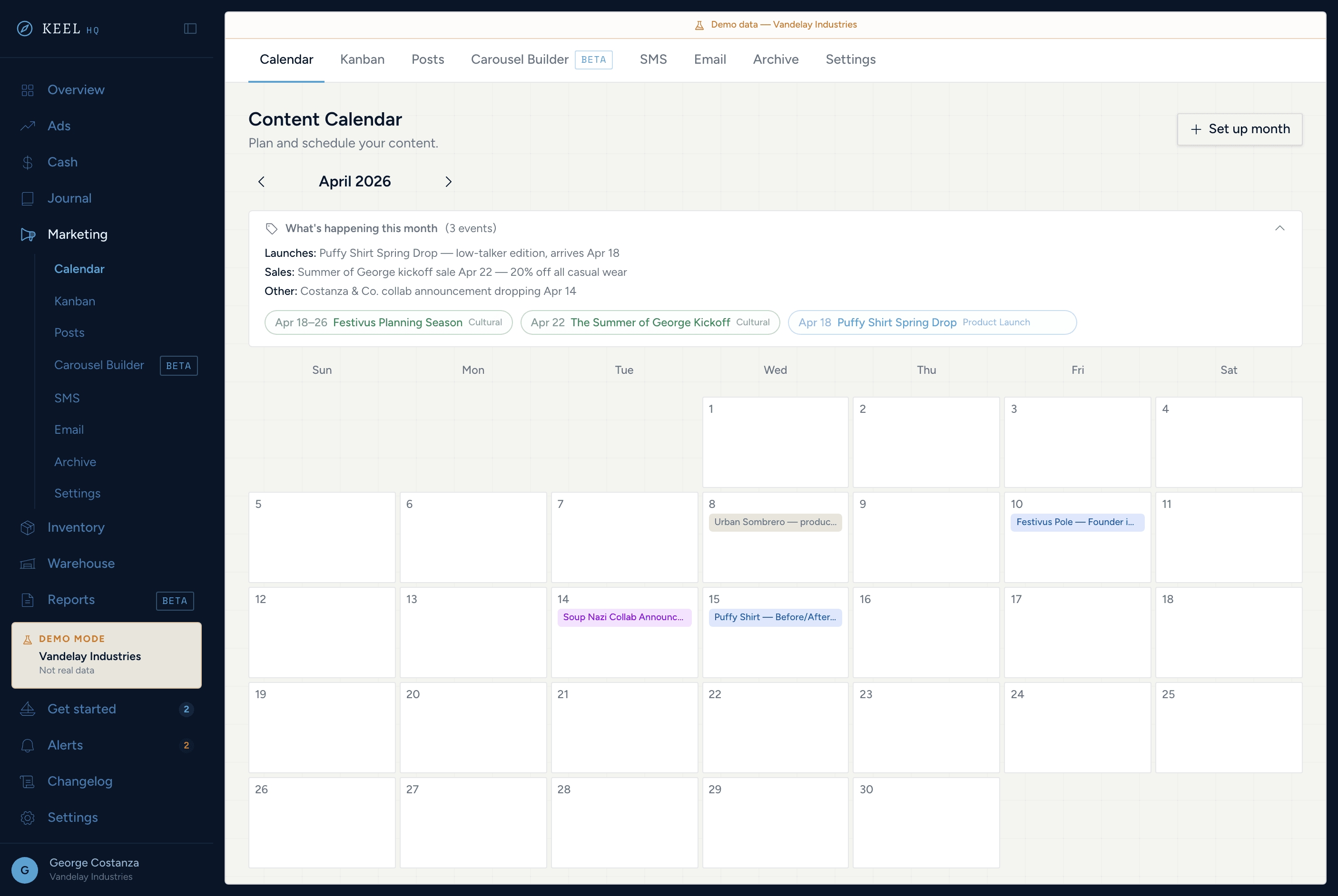
Seven tabs covering organic social, email, SMS, and content ops. Plan, create, and track — without leaving the OS.
See marketing manager in Keel HQ
// related
// sources
- Authenticate API requests (private API keys and scopes), Klaviyo developer documentation · accessed